

Okay, so, Marvel Rivals. It's been on my radar for a while, right? The whole concept of a hero shooter blending the Marvel universe? I'm in. But lately, there's been buzz about this new game mode, and it's got me thinking... actually, kinda worried... about my poor, defenseless PC.
We all know how demanding modern games can be. And hero shooters? Forget about it. Constant particle effects, complex character models, physics calculations galore – it's a recipe for melted silicon. So, when I heard about this new mode potentially pushing things even further, a little alarm bell started ringing.
What's the Deal with This New Mode?
Details are still a little scarce, if I'm honest. But what we do know is that it's supposed to be something… big. Like, a significant departure from the core gameplay loop we've seen so far. Rumors are swirling about larger maps, more players, and even crazier abilities. Which all sounds awesome! Don’t get me wrong. More chaos is always welcome. But more chaos also usually translates to more… strain.
I initially thought it might just be a simple team deathmatch variant. Boy, was I wrong. Some leaks point towards something more akin to a MOBA-style mode, with lanes, objectives, and even NPC minions. Which, okay, that sounds ambitious. And ambitious can sometimes mean… problematic. Especially for those of us clinging onto older hardware.
The Performance Problem
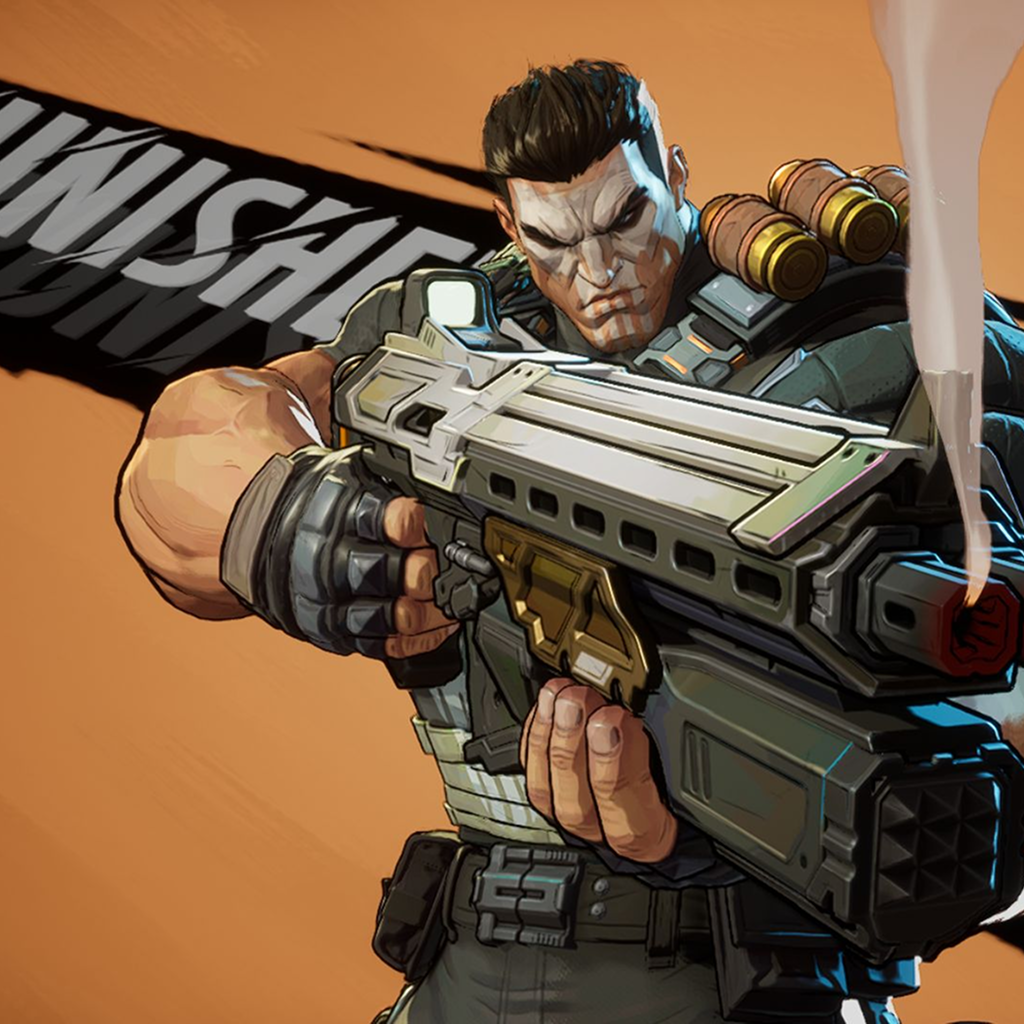
Here’s the thing: Marvel Rivals already looks gorgeous. The character models are incredibly detailed, the environments are vibrant, and the special effects are suitably flashy. But all that visual fidelity comes at a cost. Even on a relatively modern system, you might find yourself tweaking settings to maintain a stable framerate.
And that's before you factor in this new mode. If the rumors are true, we're talking about potentially doubling the number of on-screen entities, increasing the complexity of the environment, and adding even more visual clutter. All of which could lead to a significant performance hit. I mean, have you seen how many particles are on screen? It's insane!
But there's more to it than just raw graphical power. CPU usage is another crucial factor. Hero shooters often rely heavily on the CPU to handle things like AI, physics, and network communication. And if this new mode introduces more complex systems in those areas, your CPU could find itself struggling to keep up. Which means stuttering, lag, and a generally unpleasant experience.
Optimization is Key (Hopefully!)
Of course, there's always the hope that the developers will pull some optimization magic out of their hats. Maybe they'll implement some clever tricks to reduce the CPU load, or optimize the rendering pipeline to squeeze more performance out of our GPUs. One can dream, right?
Actually, that's not quite right, optimizations will obviously be done; the real question is, will those optimizations be enough? Given the track record of many modern games, I'm cautiously optimistic at best. Remember that one game that promised the world and delivered… a slideshow? Yeah, me too. Nobody wants a repeat of that.
And let's be honest, even with the best optimization in the world, there's only so much you can do. At some point, you're going to hit the limits of your hardware. Which means that some of us might be forced to make a tough decision: upgrade our PCs or… miss out on the new mode. I’m already feeling the pressure, and my wallet is weeping.
How to Prepare (Just in Case)
Alright, so what can you do to prepare for the potential performance onslaught? Well, the obvious answer is to upgrade your hardware. But let's face it, not everyone has the budget for a shiny new graphics card or CPU. So, what are the alternatives?
First off, make sure your drivers are up to date. Nvidia and AMD regularly release new drivers that include performance optimizations for the latest games. It's a simple step, but it can often make a noticeable difference. Also consider looking at this post about Assassin's Creed and how it runs across different platforms.
Secondly, tweak your in-game settings. Lowering the resolution, reducing the texture quality, and disabling certain visual effects can all help to improve performance. It might mean sacrificing some visual fidelity, but it's better than playing a stuttering mess.
Finally, consider closing any unnecessary background applications. Chrome, Discord, Spotify… they all consume resources. Shutting them down can free up valuable CPU and memory, giving Marvel Rivals a little extra breathing room. Every little bit helps, right?
FAQ: Will Marvel Rivals Melt My PC?
How do I know if my PC can handle the new Marvel Rivals mode?
Good question! Start by checking the game's recommended system requirements. If your PC meets or exceeds those, you should be in pretty good shape. But keep in mind that those are just guidelines. The only way to know for sure is to try the mode yourself and see how it performs. Monitoring your CPU and GPU usage during gameplay can give you a clearer picture of where the bottlenecks are.
Why is my frame rate so low, even on a decent PC?
Several factors could be at play. Outdated drivers, background applications, and even thermal throttling (your components overheating) can all impact performance. Make sure your drivers are up to date, close any unnecessary programs, and ensure your PC has adequate cooling.
Will lower graphics settings actually make a difference?
Absolutely! Lowering settings like resolution, texture quality, and shadow detail can significantly reduce the load on your GPU, leading to a smoother frame rate. Experiment with different settings to find a balance between visual quality and performance that works for you.
I heard the game is poorly optimized. Is that true?
Optimization is a tricky thing. What runs well on one person's PC might struggle on another's, even with similar hardware. While it’s possible some optimization issues may be present, developers typically address these with patches and updates. So, keep an eye out for those!
What if I can't upgrade my PC? Am I just out of luck?
Not necessarily! Even if you can't upgrade your hardware, there are still things you can do to improve performance, like tweaking your in-game settings and closing background applications. Cloud gaming services are also becoming increasingly viable, allowing you to stream games to your PC without needing powerful hardware.
So, will Marvel Rivals' new mode overload your PC? Maybe. Maybe not. It depends on your hardware, your settings, and the level of optimization the developers manage to achieve. But one thing's for sure: it's going to be an interesting ride. And hopefully, one that we can all enjoy… without having to sell a kidney to afford a new graphics card.